AMP/Taxpayer Portal/Property Search January 8, 2026
Taxpayer Portal: Harris Clients – Portal registration changed to require Owner ID/PIN
- For Harris CAMA software clients, taxpayers will now register as new users using an Owner ID and PIN combination, rather than a Property ID and PIN combination.
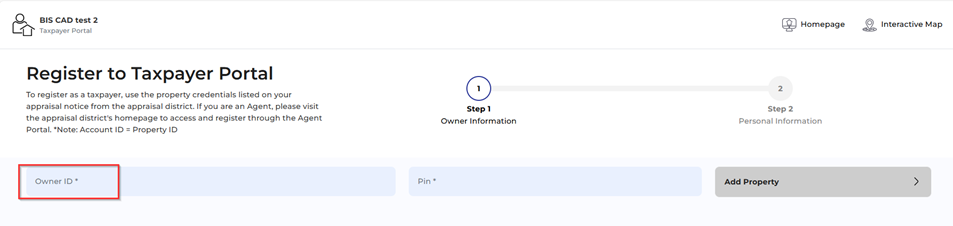
- Action required by the CAD
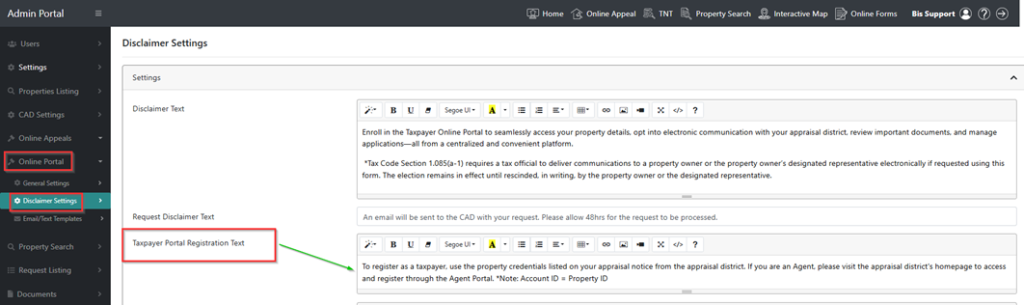
Please review the verbiage displayed on your Taxpayer Portal registration screen. If you previously customized this text to reference Property ID, you will need to update it to reflect the new Owner ID requirement.

- You can update this text in the BIS Admin Settings Portal by navigating to:
BIS Admin > Online Portal > Disclaimer Settings > Taxpayer Portal Registration Text
Admin Settings: Harris Clients – Users list now displays Agent ID for agent users
- The BIS Admin settings panel now includes an Agent ID column in the Users grid, displaying the Agent ID used by each agent when registering in the Agent Portal.

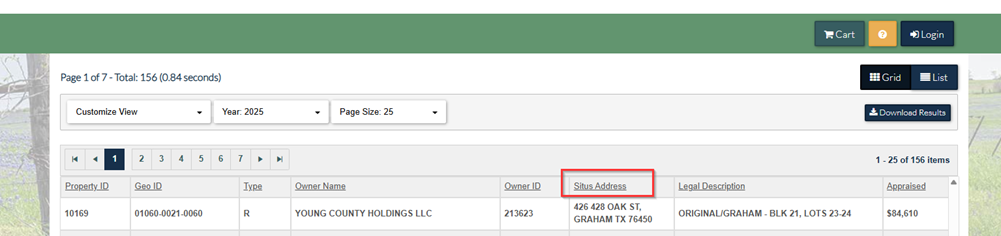
Property Search: Renamed the results grid address column to “Situs Address.”
- The property search column in the search results grid has been updated to display “Situs Address” for improved clarity.
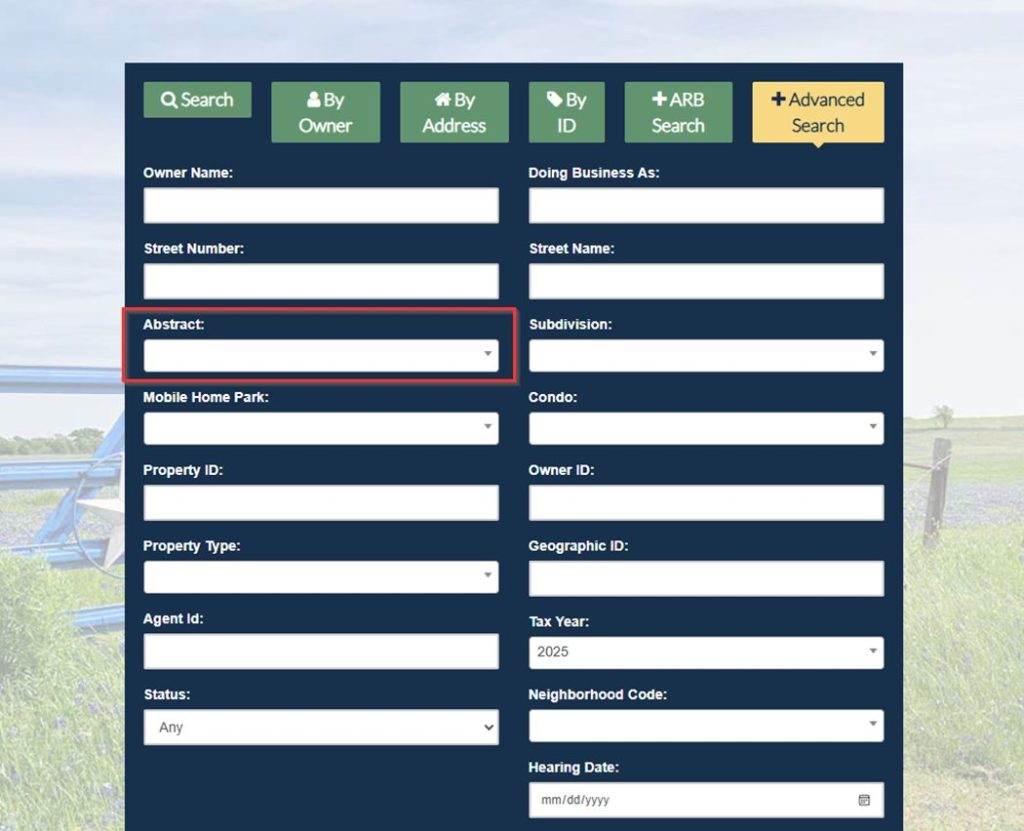
Property Search: Advanced Search Menu, Improved Tab Navigation
- The Property Search Advanced Search screen has been updated so that using the Tab key now moves the cursor horizontally from left to right across search fields.

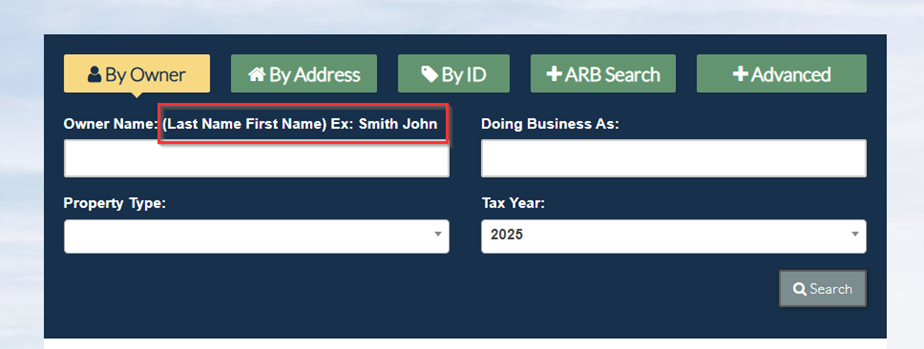
Property Search: Search by Owner name shows format example
- The Search by Owner Name field has been updated to display guidance on searching by name using the “Last Name First Name” format.